Use the free launch cost calculator on NFTm. Enter three numbers: supply, average image size (keep it under 1MB), and mint price, and the tool will provide you with a total price to launch your NFT collection. You do not need to connect your wallet to use the calculator.
Why we built it
The question we want to answer is, "What will my 1,000 NFT mint actually cost?" Most launchpads are opaque and the cost is unclear. NFTm provides transparent pricing so you can clearly plan for your collection launch. The mint fee for the buyer is also shown separately.
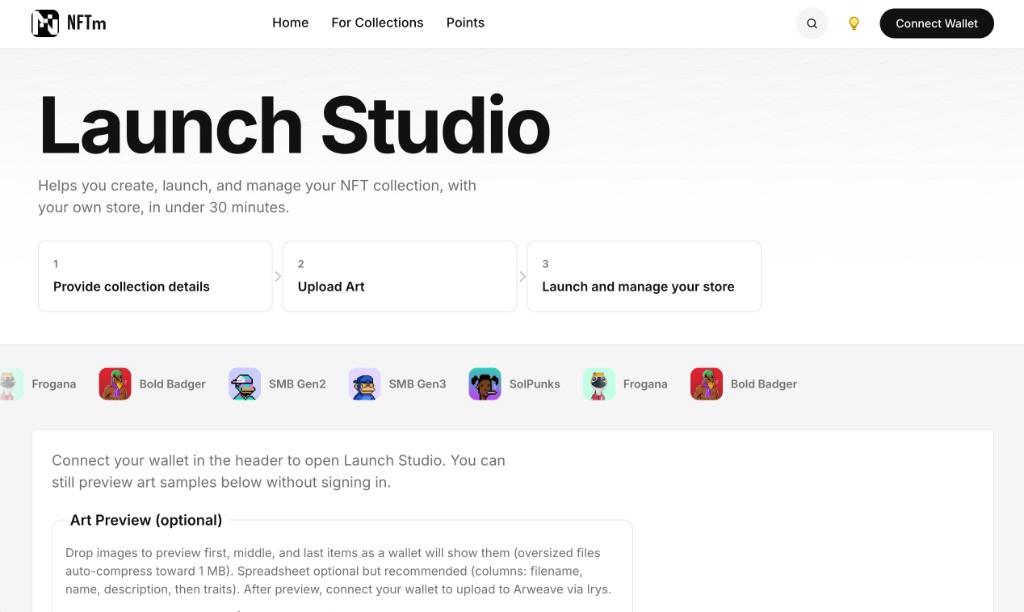
The launch calculator is a free tool for public use. From there you can open Launch Studio to create the collection and the store.
How to use it
- Open https://www.nftm.app/tools/launch-cost.
- Pick a supply shortcut (100, 1,000, or 3,000 pieces), or type a whole number from 2 to 25,000.
- Set average image size in KB (1 to 1,024). Launch Studio compresses each file toward 1 MB before upload.
- Set mint price in SOL, from 0 to 1. That is the ceiling in Launch Studio today.
- Read the two result cards: You pay to launch and Each buyer pays to mint.
- When you have the estimate, open Launch Studio. It shows the storage price for your files before you approve the upload.
What the numbers mean
Create the collection. About 0.03 SOL, paid once. It does not grow with supply.
Storing the pictures. The estimate scales from 100 images at about 300 KB, which is about $3. You pay in SOL when you upload. Smaller files cost less. Larger files cost more. This is an estimate, not a bill.
Each buyer pays to mint. They pay your mint price, plus NFTm’s mint fee on top: whichever is larger, 0.001 SOL or 1% of the mint price. Example: at a 0.1 SOL mint, the extra fee is 0.001 SOL. That fee is not added to what you pay to create.
After launch, you can manage your store on NFTm, brand your page, and add an additional collection fee that allows you to collect revenue from sales of your NFTs that happen on your store.
SOL and storage prices vary. The calculator is a planning tool. Launch Studio shows the price for your files.
What to do next
Run the calculator. Then open Launch Studio or read How to Launch. If the collection already exists on Solana, For Collections is how you claim the store.